Shopify Analytics and Reporting: A Complete Guide
Learn how to leverage Shopify's analytics and reporting tools to optimize your online store and effectively boost sales.
Introduction to Shopify Analytics
Shopify provides a range of analytical tools to help online store owners better understand their business. From basic metrics to advanced reports, these tools offer valuable insights to optimize operations and maximize sales.
Benefits of Using Shopify Analytics
Shopify's analytics tools enable users to:
- Monitor website traffic and customer behavior.
- Identify top-selling products and buying trends.
- Optimize marketing campaigns based on real data.
- Improve customer experience through detailed analysis.
Main Reporting Tools in Shopify
Shopify offers a variety of reports that can be used to assess store performance:
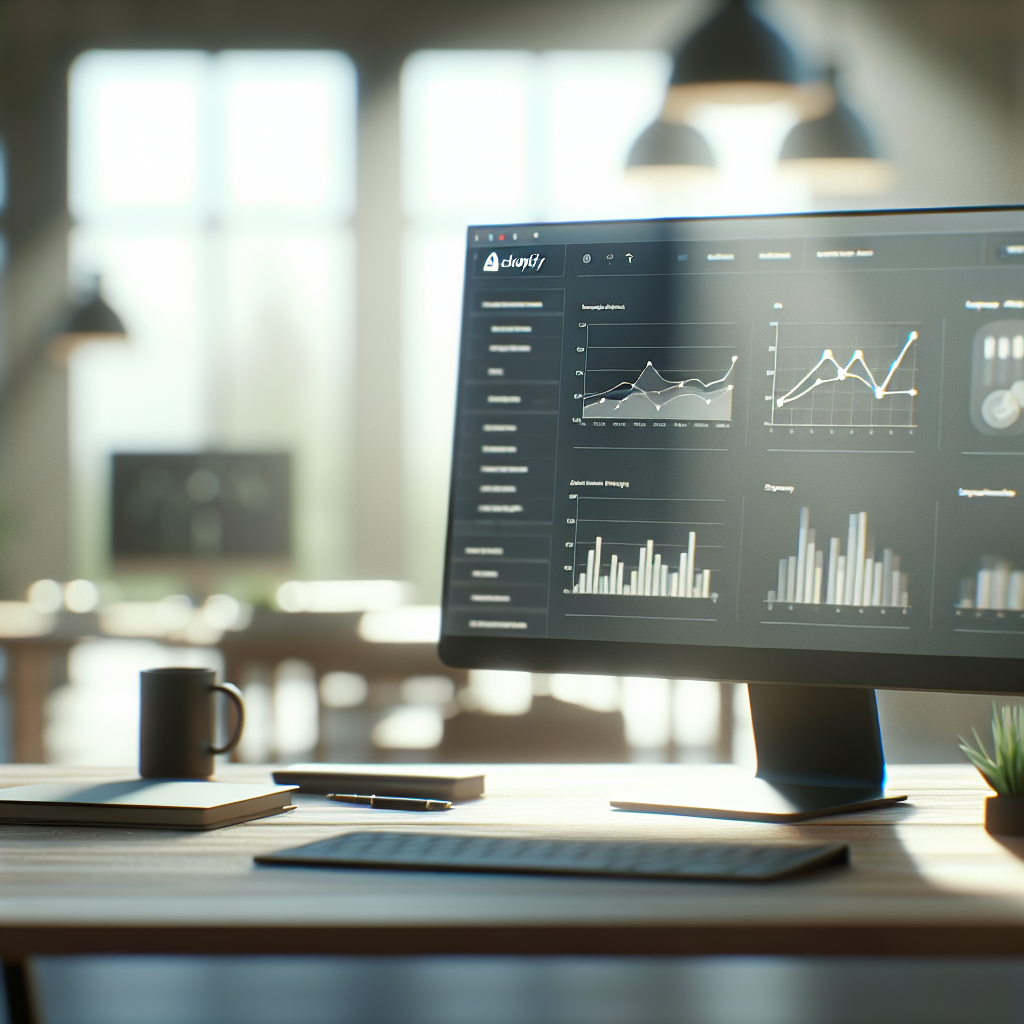
- Dashboard: Provides an overview of store performance, including sales, orders, and conversion rates.
- Product Reports: Analyze individual product performance, helping to identify best and worst sellers.
- Customer Reports: Provide insights into customers, including repeat purchase rates and demographics.
- Financial Reports: Help manage the financial aspects of the business, such as taxes and payouts.
"The ability to analyze data is more important now than ever. With Shopify, store owners have access to powerful tools to make informed decisions."
How to Set Up Google Analytics with Shopify
To gain even more comprehensive insights into your store, you can integrate Google Analytics with Shopify by following these steps:
- Log into your Shopify account and navigate to the settings section.
- Select "Preferences" and scroll down to the Google Analytics section.
- Enter your Google Analytics tracking ID and save changes.
Conclusion
Shopify's analytics and reporting are essential for any online business looking to grow and adapt to the dynamic market. By understanding and utilizing these data, you can make more informed decisions that lead to greater success.
Frequently Asked Questions
How do I access Shopify reports?
You can access Shopify reports from the admin dashboard, under the "Analytics" section.
Can Shopify reports be customized?
Yes, Shopify allows customization of certain reports to better fit your specific needs.
Do I need technical knowledge to use Shopify analytics?
No, the tools are designed to be intuitive and accessible for all experience levels.